A downloadable game for Windows

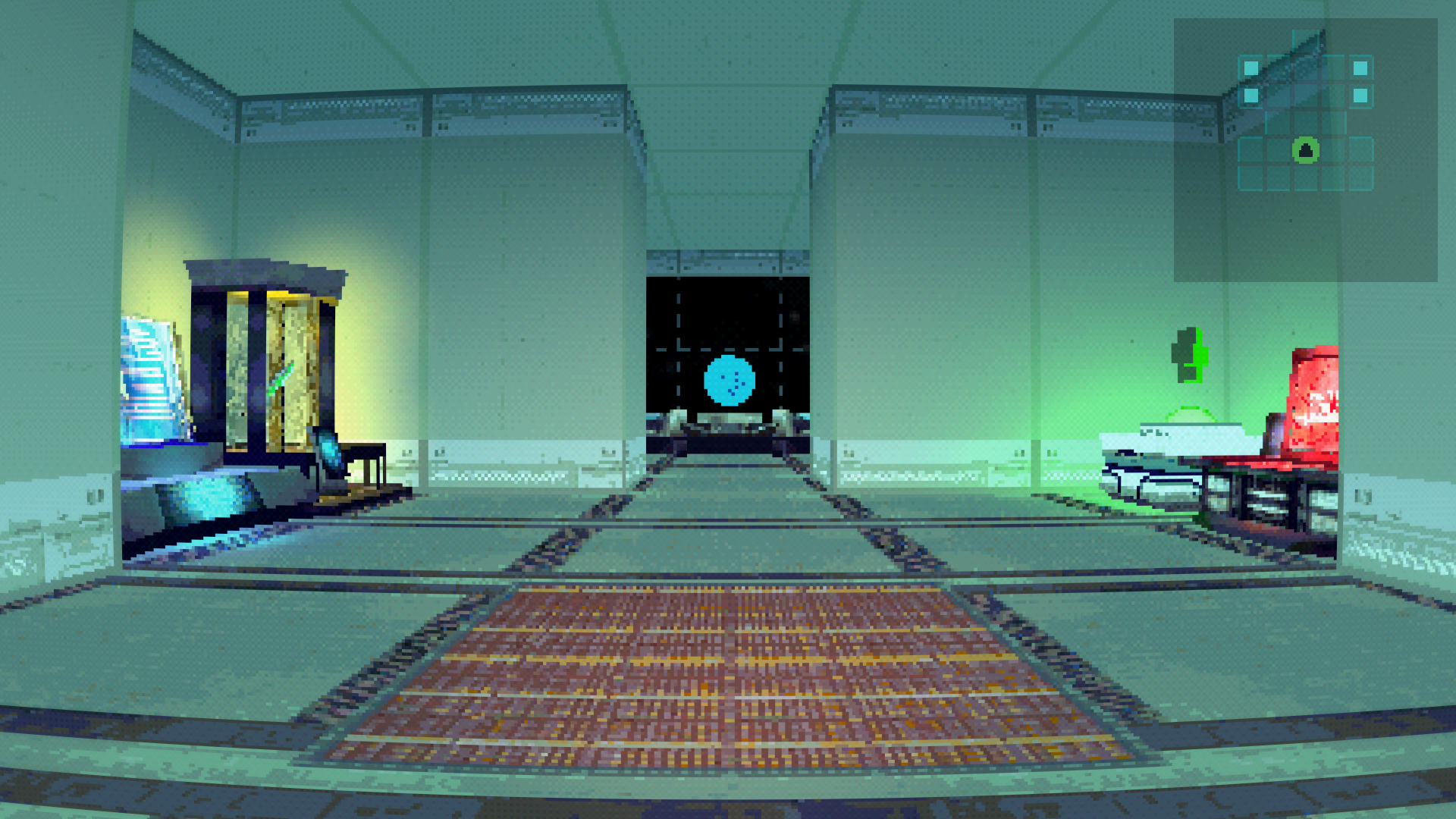
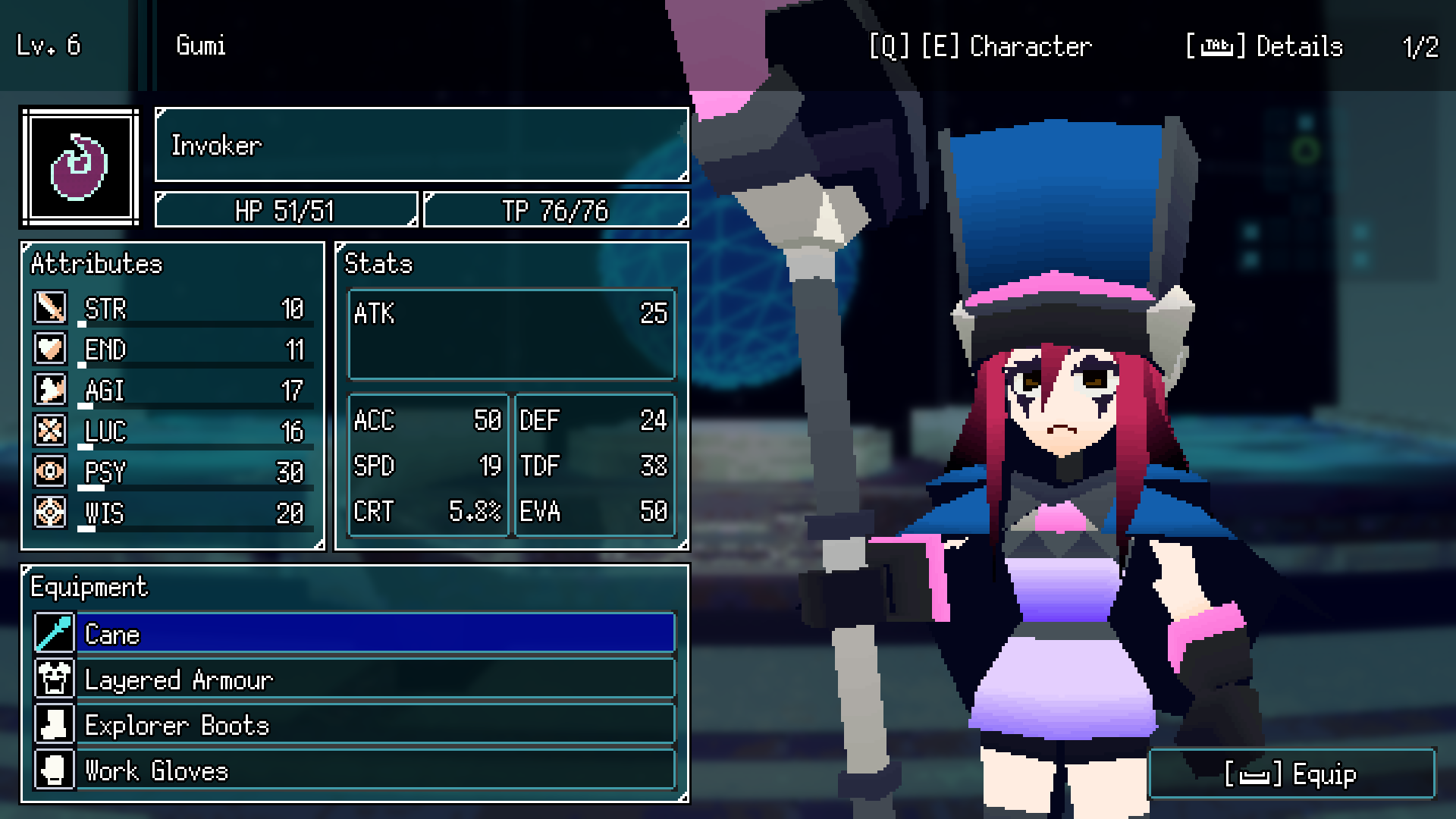
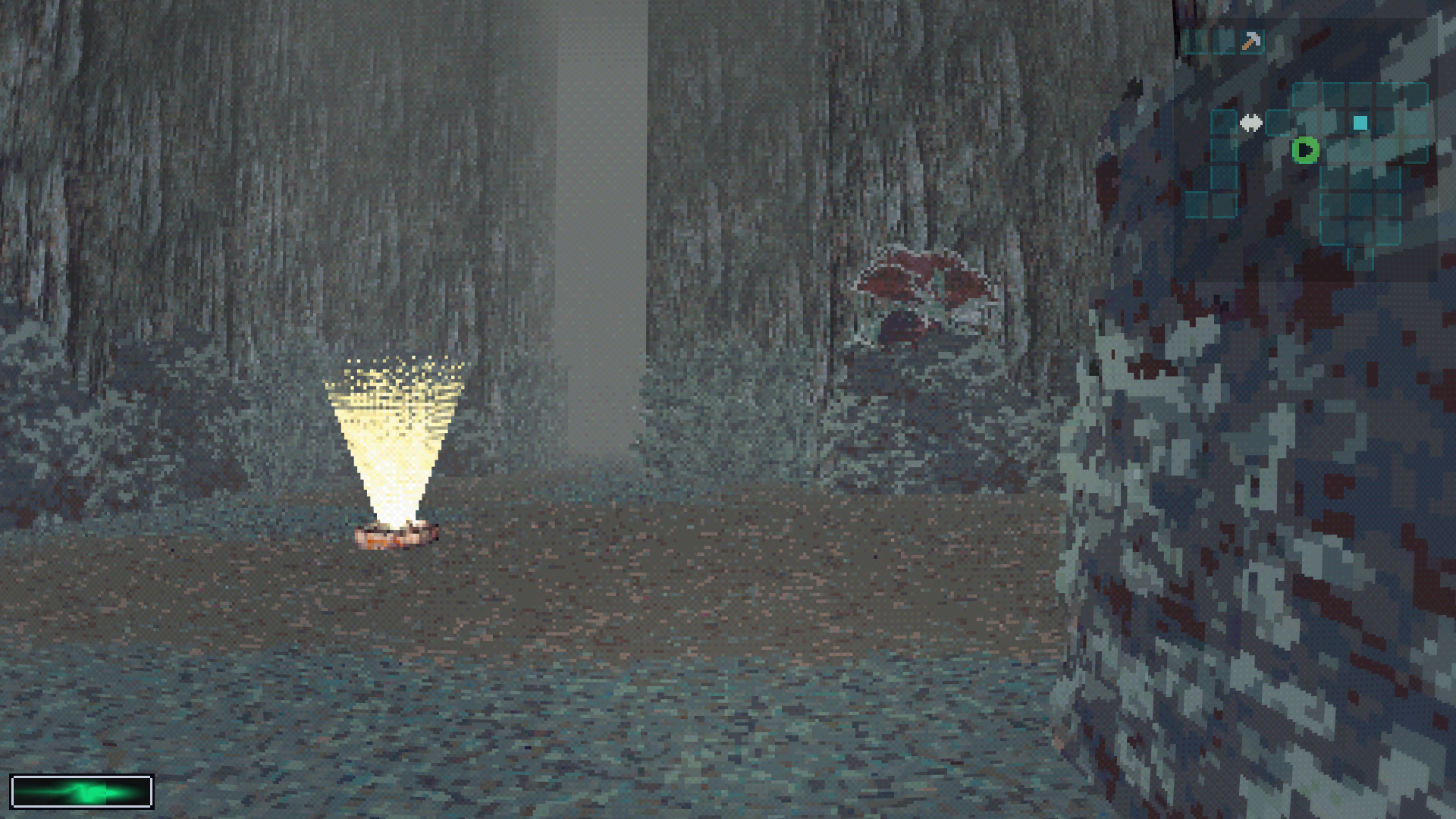
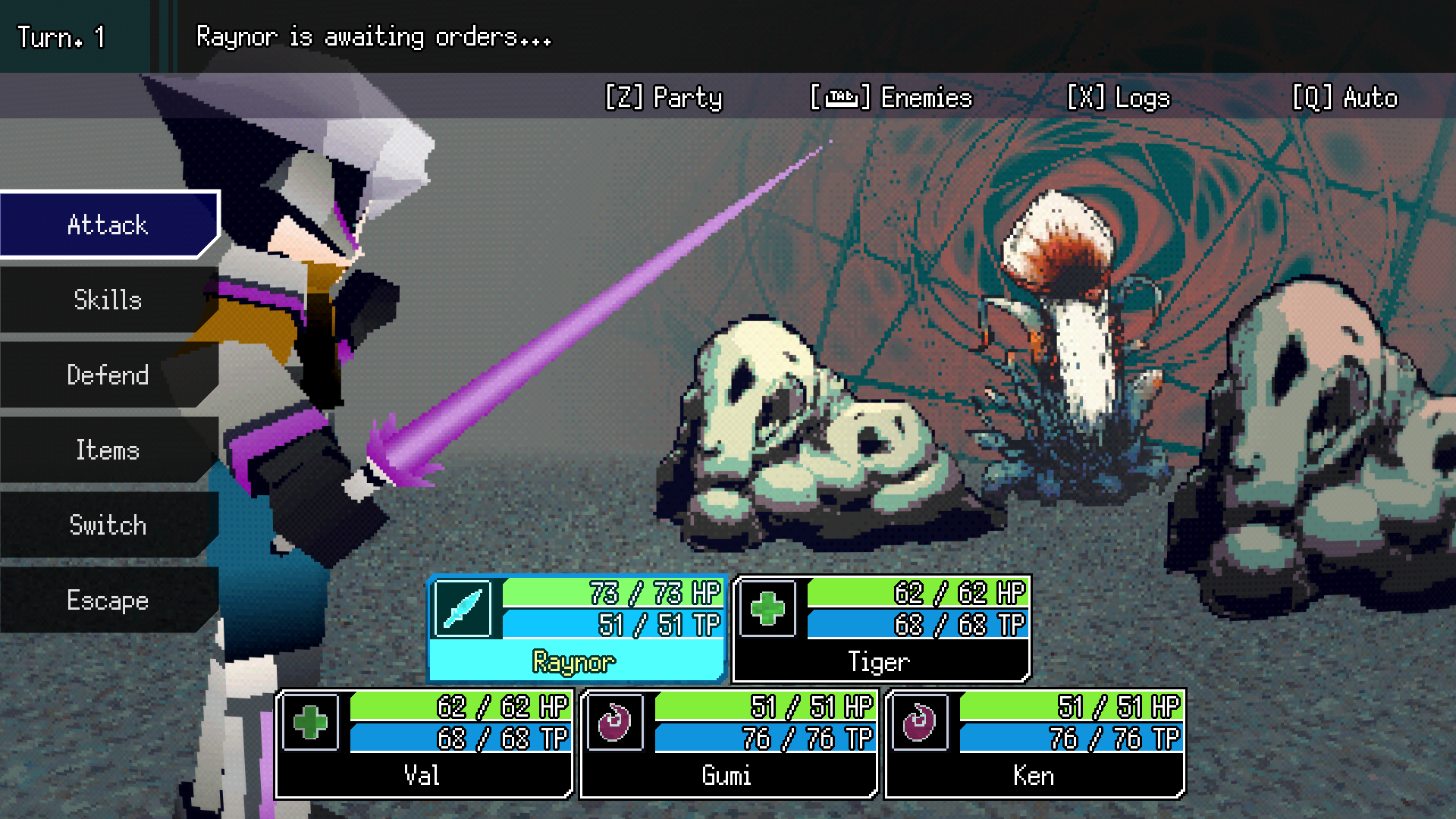
NULLGRAVE is a sci-fantasy dungeon-crawling RPG that features party-based exploration and classic turn-based combat. Explore unsettling alien labyrinths filled with hostile creatures, build your team, and uncover the truth behind your missing allies.

Features

  • Classic turn-based combat
  • First person blobber exploration
  • Customize up to 5 party members

Controls

Both keyboard/mouse and gamepads are supported.

Keyboard/MouseGamepad (Xbox layout)
Move & TurnWASDDpad or Left stick
StrafeQ, ELB, RB
Look/Pan expanded mapHold right click + DragRight stick
InteractSpacebarA
Party menuZX
Toggle map viewTabY
Enable/disable mapMShare button
PauseEscMenu button

If using keyboard/mouse, menu navigation is:

  • WASD: Navigation
  • Spacebar: Confirm
  • Right click: Cancel

Prototype

This is an early prototype focused on testing general exploration and combat gameplay. Everything is subject to change.

At this stage, we're looking for feedback on all aspects of gameplay.

Please follow this page for development updates! Thanks for playing!

Updated 5 hours ago
Published 19 days ago
StatusPrototype
PlatformsWindows
Rating
Rated 5.0 out of 5 stars
(1 total ratings)
Authorhenl_dev
GenreRole Playing
Made withGodot
Tags3D, blobber, drpg, Dungeon Crawler, First-Person, Horror, Low-poly, Sci-fi, Singleplayer
Average sessionAbout an hour
LanguagesEnglish
InputsKeyboard, Mouse, Gamepad (any)
LinksYouTube
ContentNo generative AI was used

Download

Download
NULLGRAVE-0.2.3.zip 78 MB

Development log

Comments

Log in with itch.io to leave a comment.

(2 edits)

Played for 4 hours and really enjoyed it. I'm very excited for this game. Amazing work so far.

I made a party of 5 characters and didn't recruit more than that.

Things I especially liked:

  • The spider enemy walking around the was useful indicator that the battle would be particularly challenging, which made me feel more enticed to try strategies like using items and status effects. Maybe other players don't experience this, but I find I am more likely to use a variety of strategies when a battle is called out as a mini-boss/strong foe in some way, so I would like to continue to see enemies like that in the final game.
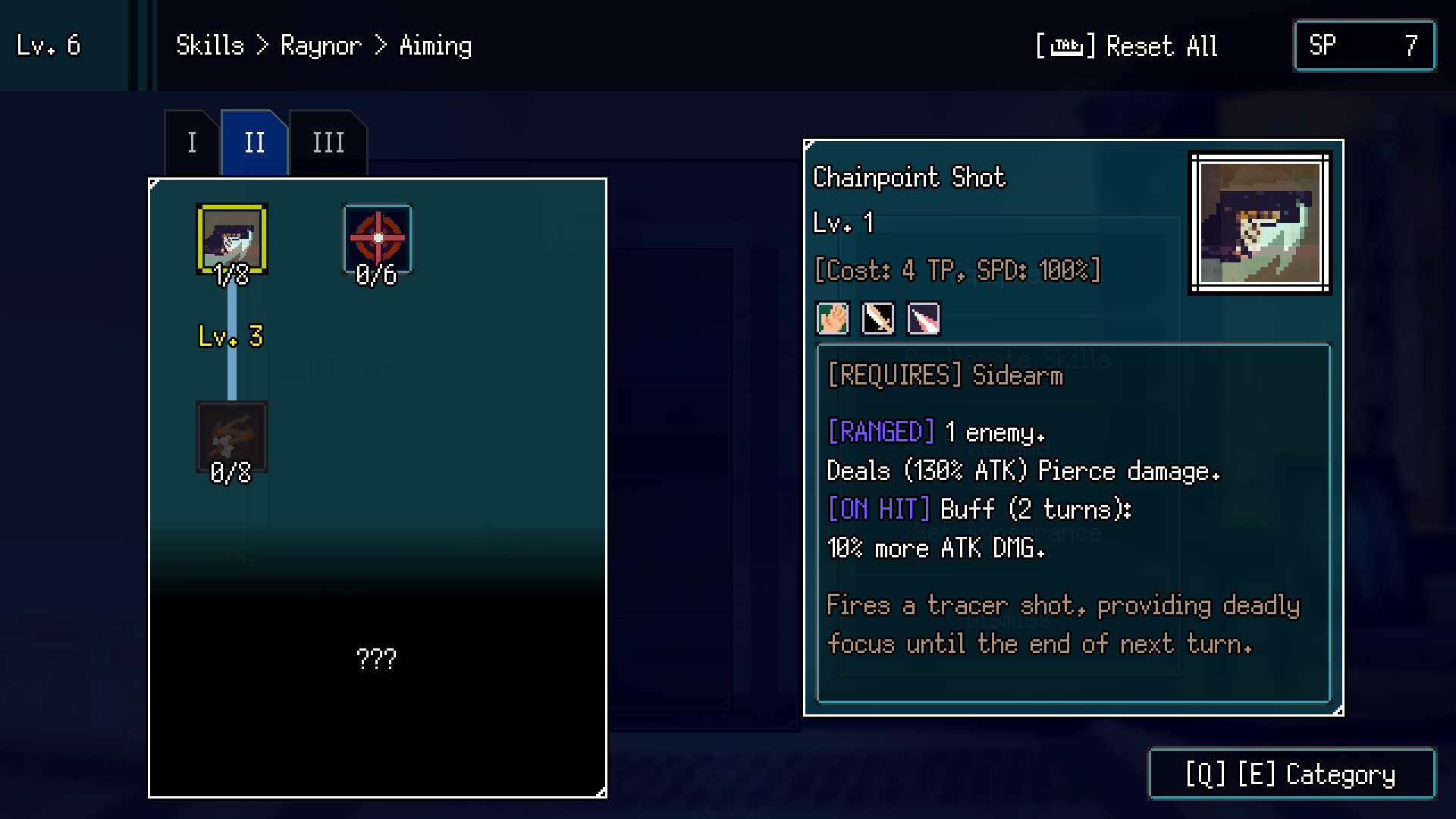
  • The skill tree seemed quite interesting. For example, I thought it was cool that the medic class could be specced as a simple healer or buffer, but also as a tank, or debuff specialist.
  • I really liked the interplay between the caster classes skills. Things like buffing the next skill, or retriggering the last skill with some modifier. This is the kind of feature that makes me want to recommend this game to other players.
  • The nox glove item that adds a special effect to your regular attack was very cool to me. In general, I like when RPGs make me feel like I have a reason to use a variety of skills. Until I found this item, I felt like I mostly wanted to always use TP skills, unless I was much stronger than the opponent. As soon as I found that item, I gave one of my fighters two slashing weapons and tried to strengthen their debuffs, and was deciding between normal attacks and skills.
  • I failed to defeat the spider the first time I fought it, but I felt like I gained enough info from the fight to look at my character's skill trees and see how I could reallocate points to have more of an advantage. That was a really positive experience to me.

Things I wished for while I was playing:

  • ability to add mods to equipment without unequipping it first.
  • ability to revisit tutorial text/some kind of explainer for different mechanics. In general, there were terms I'd run into that I felt like I could guess the meaning of (debuff atk? like poison damage?) but I wasn't sure. In the final game, a glossary would be great, but even a text file with some common points of confusion in the game directory would be nice for remote playtesting.
  • that useable items was not the initial tab when you enter the deconstruct menu. I think it should be the materials tab, since that's what I always want to sell, want to sell items and equipment more infrequently
  • If my entire front line dies, and my back line swaps places with them, it changes my party arrangement and I have to change it back after reviving my party members, which is annoying. I wish it just treated the remaining backline party members as being in the front without actually rearranging my party against my will.
  • Maybe this info actually was available, but being able to investigate what skills an enemy has and what body part they use, so you know what to bind. Or, some feedback that an enemy failed to use an ability because they were bound. It was questionable whether many enemies even had arms, legs, or heads.
  • If there is a color-coded condition on a skill description, it would be nice if that same text/color appeared on the related other skills. Like, if eg echo says if [SINGLE/COLUMN] in blue text, then I would like skills that target single to have a blue tag [SNIGLE] and skills that target a column to have a blue tag [COLUMN]. Or, more fundamentally without proposing a solution, it felt difficult to know which skills affected or relied on each other, and I wanted it to be easier.

Other things that stood out to me:

  • It felt hard to assess the binding mechanic in this demo. I think I only ever encountered my legs being bound, but all the abilities I tried were hand abilities.
  • The columns are confusing in the following scenario: two enemies in the front, one in the back. Sometimes you can target either of the front enemies and the back enemy will also be affected, but sometimes only one of the front enemies causes the back enemy to also be affected. There was no visible difference, so it was confusing.
  • I don't think void damage appeared in the tutorial text about damage types. Maybe I missed it.

Thanks for playing the demo so thoroughly!

I appreciate the level of detail you're providing in your feedback. I'll definitely be keeping the points you've listed here in mind and making some changes to address them within the next couple of updates.

played about an hour of this game, had a fun time. only complaints is that when first opening the game the window was missing for some reason so i had to blindly navigate to display options to change to fullscreen. will post more thoughts as i play more

also when changing to windowed mode the window goes outside my monitor areas (only see a small part of the bottom of the window) so i have to win+shift+arrow key it back to my main monitor

(+1)

Thanks for checking out the game!
Would you mind letting me know what your monitor setup is like?

How many monitors and what resolution for each?

I have 3 monitors

Monitor 1: 1920 x 1080

Monitor 2: 1280 x 1024

Monitor 3: 1920 x 1080

Okay, thanks for letting me know! I'll try to address this soon.

(2 edits)

Hi! I've just released a small update (v0.2.1). Please let me know if the changes help address this monitor issue!

To reset to default settings, you might have to delete: %appdata%\Godot\app_userdata\NULLGRAVE\options.cfg